Technology & Safety
Smart Home Monitoring Systems for Independent Living
Discover motion sensors, fall detection, video doorbells, and health monitoring integration. Real solutions that keep loved ones safe without feeling intrusive.
Why Smart Monitoring Matters for Aging in Place
Technology doesn't have to feel invasive. It's about peace of mind—for both you and your family. When someone you care about lives independently, you're probably wondering if they're okay between visits. That's where smart home systems come in.
These aren't surveillance tools. They're practical safeguards designed specifically for aging in place. Motion sensors that detect falls, door sensors that alert you when someone hasn't moved in a while, video doorbells that let you see who's visiting—each serves a real purpose. The best systems work quietly in the background, only grabbing your attention when something actually matters.

Motion Sensors: The First Line of Safety
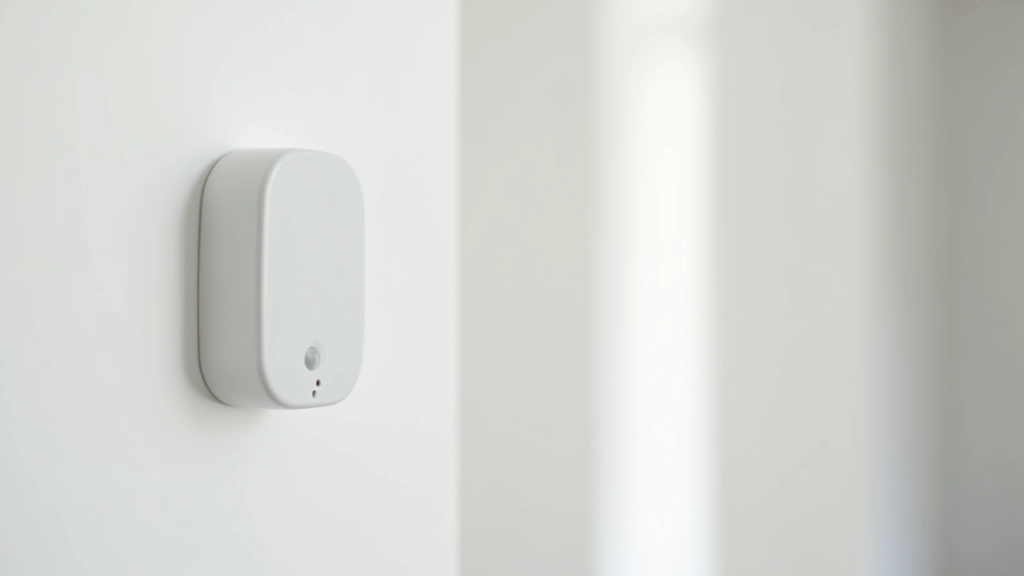
Motion sensors are honestly the foundation of most smart home safety setups. They're affordable—usually between $20-60 per sensor—and they work in ways that matter. Place them in hallways, bathrooms, and bedrooms. If there's no motion detected for a set period (you choose: 2 hours, 4 hours, 8 hours), the system sends an alert to your phone.
Here's what makes them practical: they don't require anyone to remember to push a button. Unlike medical alert pendants that some people forget to wear, motion sensors just sit there doing their job. They're passive monitoring—nothing to think about. Some systems even distinguish between normal movement and falls. When someone drops suddenly (a different motion pattern), the alert comes faster because it matters more.
You'll want at least 3-4 sensors for a typical home. Bathrooms especially—that's where most falls happen. Bedside sensors catch nighttime issues. Hallway sensors track overall activity patterns.
Fall Detection: Technology That Responds
Fall detection is genuinely different from motion sensors. This technology uses accelerometers to detect sudden vertical drops—the actual pattern of a fall. When triggered, it doesn't just send a notification. It opens a two-way communication channel. The wearer gets a voice alert asking if they're okay. If they don't respond within 60 seconds, the system automatically contacts emergency services or designated family members.
Wearable devices like medical alert watches cost more ($30-50 monthly subscription plus device), but they're genuinely valuable for people at higher fall risk. Stationary systems using wall-mounted sensors work too, though they're less portable. Some newer systems combine both: wearables for detection plus stationary sensors for context about where the person is in the home.
The key difference from older medical alert systems? Modern fall detection actually works. It doesn't require someone to press a button when they're injured. It detects the fall itself. That distinction matters when someone's unconscious or confused.
Smart Home Integration: Everything Connected
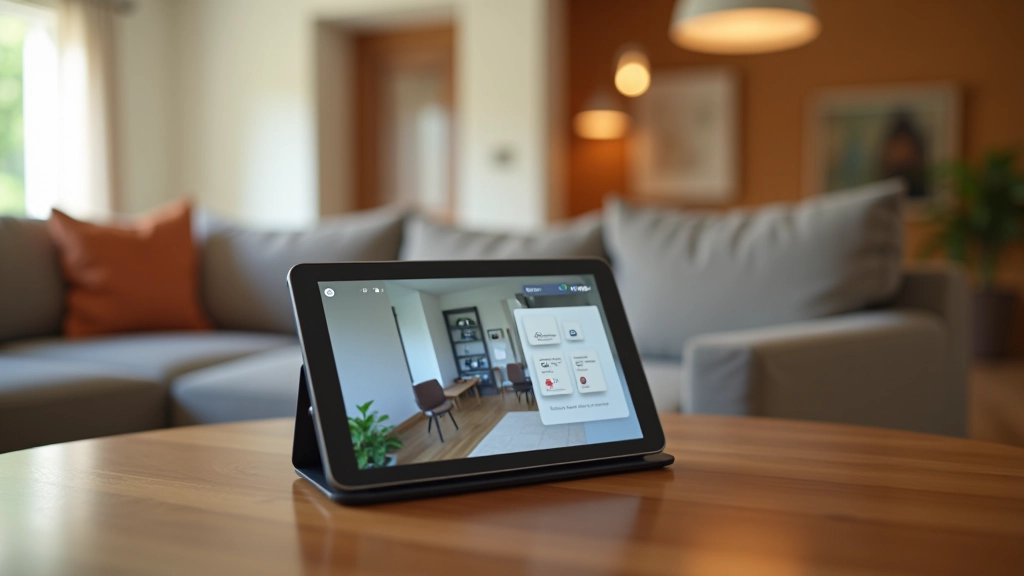
The real power comes when systems talk to each other. Your motion sensors feed data to your hub. Your video doorbell connects to the same app. Your health monitor (if you're using one) syncs in. Everything visible from one dashboard.
Video Doorbells & Cameras
See who's at the door without opening it. Video doorbell systems with two-way audio let you communicate with visitors or delivery drivers. Some include night vision for evening activity.
Door & Window Sensors
Know when exterior doors open. Useful for security but also helpful if someone wanders. Battery-powered sensors report instantly when doors are opened or closed.
Temperature & Environment
Extreme temperatures become safety issues. Smart sensors alert you if it's too cold or hot inside. Some integrate with smart thermostats for automatic adjustments.
Health Monitoring
Some systems integrate with fitness trackers or dedicated health monitors. Heart rate, blood pressure, sleep patterns—all visible alongside safety data.
Medication Reminders
Smart pill dispensers connect to your hub. They remind your loved one when it's time to take medication and alert you if doses are missed.
Smart Lighting
Motion-activated lights prevent falls by illuminating pathways. Lights can activate when motion is detected at night, eliminating the need to find light switches in the dark.
Setting Up Your System: Practical Steps
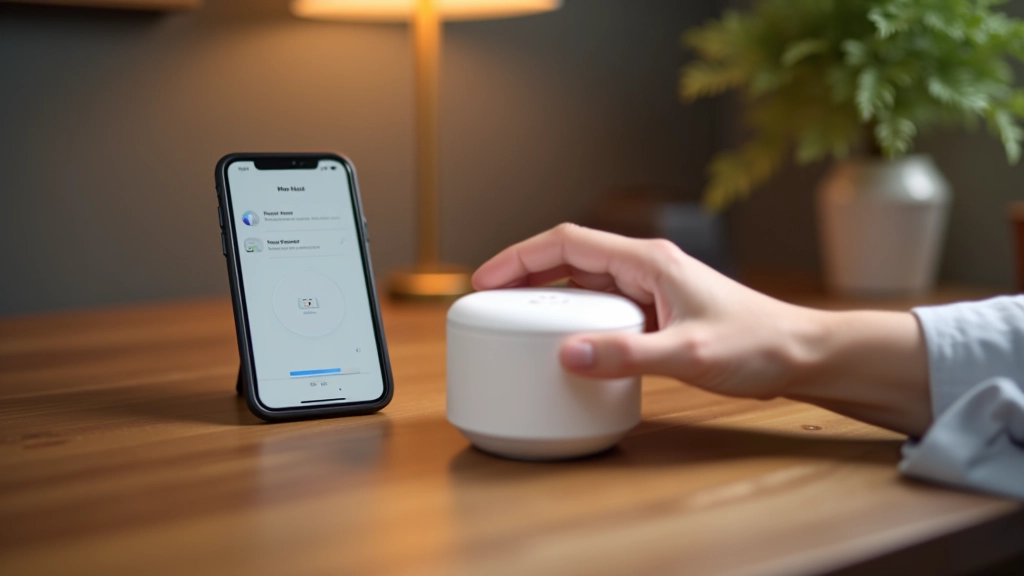
Most people overthink the setup process. It's actually straightforward. Start with a hub—the central device that connects everything. Popular options include Amazon Alexa, Google Home, or dedicated systems from medical alert companies. Your hub needs WiFi and power. Position it centrally in the home, not in a closet or basement where signals weaken.
Next, place motion sensors in high-priority areas. Bathrooms first—falls happen most there. Then hallways, bedrooms, and living areas. Each sensor needs fresh batteries (usually last 1-2 years) and clear line of sight to the hub. Most people add sensors gradually, not all at once. Start with 3-4 sensors, see how it works, then expand if needed.
The hardest part? Getting your loved one comfortable with the system. Frame it clearly: this isn't about watching them. It's about being notified if something goes wrong. Let them see the app. Show them the alerts only trigger for real concerns. Transparency builds trust.
Key Features to Look For
01
24/7 Monitoring Without Monthly Fees
Some systems charge subscription fees ($15-40/month), others don't. Free options are fine for basic motion and door sensors. Professional monitoring (where a company calls emergency services) costs more but adds peace of mind. Decide what you actually need.
02
Battery Life That Actually Works
Sensors that need new batteries every month are annoying. Look for systems with 1-2 year battery life. Some use AA/AAA batteries (cheaper replacements), others use proprietary batteries. Check what's easier for you to manage.
03
Range That Covers Your Home
WiFi-based systems work great in most homes. Zigbee or Z-Wave systems have more limited range but use less power. For apartments or smaller homes, WiFi is fine. Larger homes or those with thick walls might need range extenders.
04
Customizable Alerts That Don't Overwhelm
You want notifications about important events, not every time someone walks to the kitchen. Systems should let you set time windows, activity thresholds, and which events trigger alerts. Too many alerts? You'll stop checking them.

The Reality: What Actually Works in Practice
Here's what we don't always talk about: technology is helpful, but it's not a substitute for real connection. Smart home systems are excellent at detecting physical safety issues. They're not great at detecting loneliness or depression. They can alert you to a fall. They can't replace a phone call or a visit.
The best systems are paired with regular contact. Check in by phone. Schedule visits. Use the technology to handle the 24/7 monitoring piece, then focus your human interaction on what matters: conversation, engagement, actual relationship. The monitoring system buys you peace of mind so you can focus on connection rather than worry.
Also realistic: some older adults resist this technology. They don't want to feel watched. That's valid. Start with non-intrusive options like motion sensors in hallways rather than cameras in bedrooms. Frame it as mutual benefit—it helps you stop worrying, which is good for both of you.
Making the Decision
Smart home monitoring isn't complicated once you understand what each piece does. Motion sensors for activity tracking. Fall detection for emergency response. Integration for complete visibility. Start small, expand as needed.
Start With These Questions:
- What's the biggest safety concern? (Falls? Wandering? Forgetting to take medication?)
- What's your budget? (Basic systems: $200-500. Comprehensive: $1000+)
- How tech-comfortable is your loved one? (This affects adoption)
- What level of monitoring feels right? (Just emergencies? Daily activity tracking?)
You're not invading privacy or creating unnecessary surveillance. You're using available tools to stay connected and respond quickly when something actually matters. That's good parenting, good caregiving, and honest responsibility.
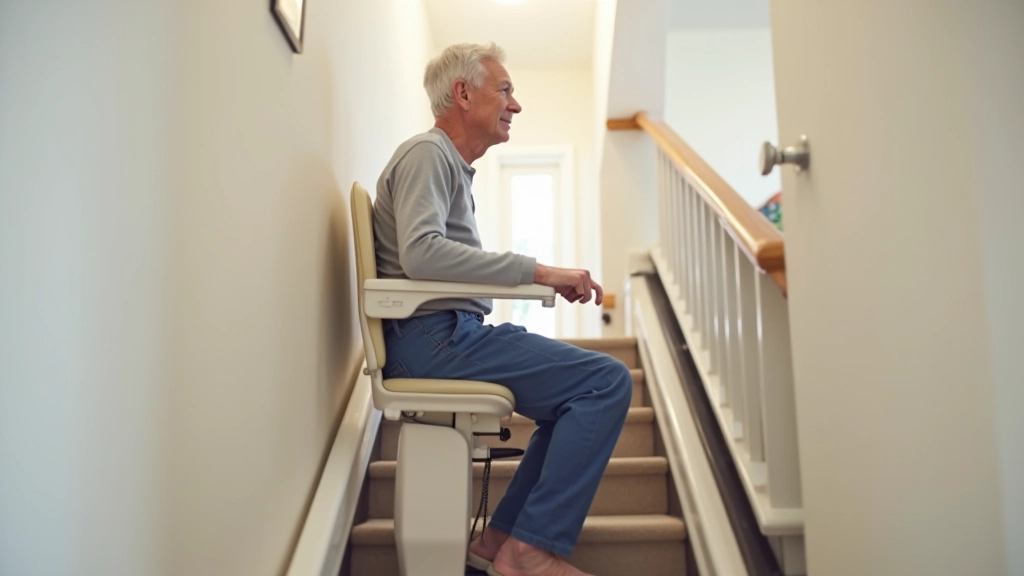
Want to explore other aging-in-place modifications? Check out our guides on bathroom safety, accessible kitchen design, and stair lift options.
Important Disclaimer
This article provides educational information about smart home monitoring systems for aging in place. It's not a substitute for professional advice from healthcare providers, safety consultants, or technology specialists. Every situation is unique. Consult with your loved one's doctor or a certified aging-in-place specialist before implementing any monitoring system. Technology complements—but doesn't replace—regular human connection, professional care, and emergency services. For fall emergencies, always call 911.
Related Articles